
Buying guide 2026
Choosing an IPTV box: what do you really need for your television?
You connect an IPTV box to your television via HDMI and use it to open a suitable player. You can often test your existing Smart TV or streaming device first. Determine what is missing before purchasing an additional streaming box.
- no ongoing contract, no automatic renewal
- Pay by bank transfer
- Try for free for 24 hours
Short answer
In short: IPTV box
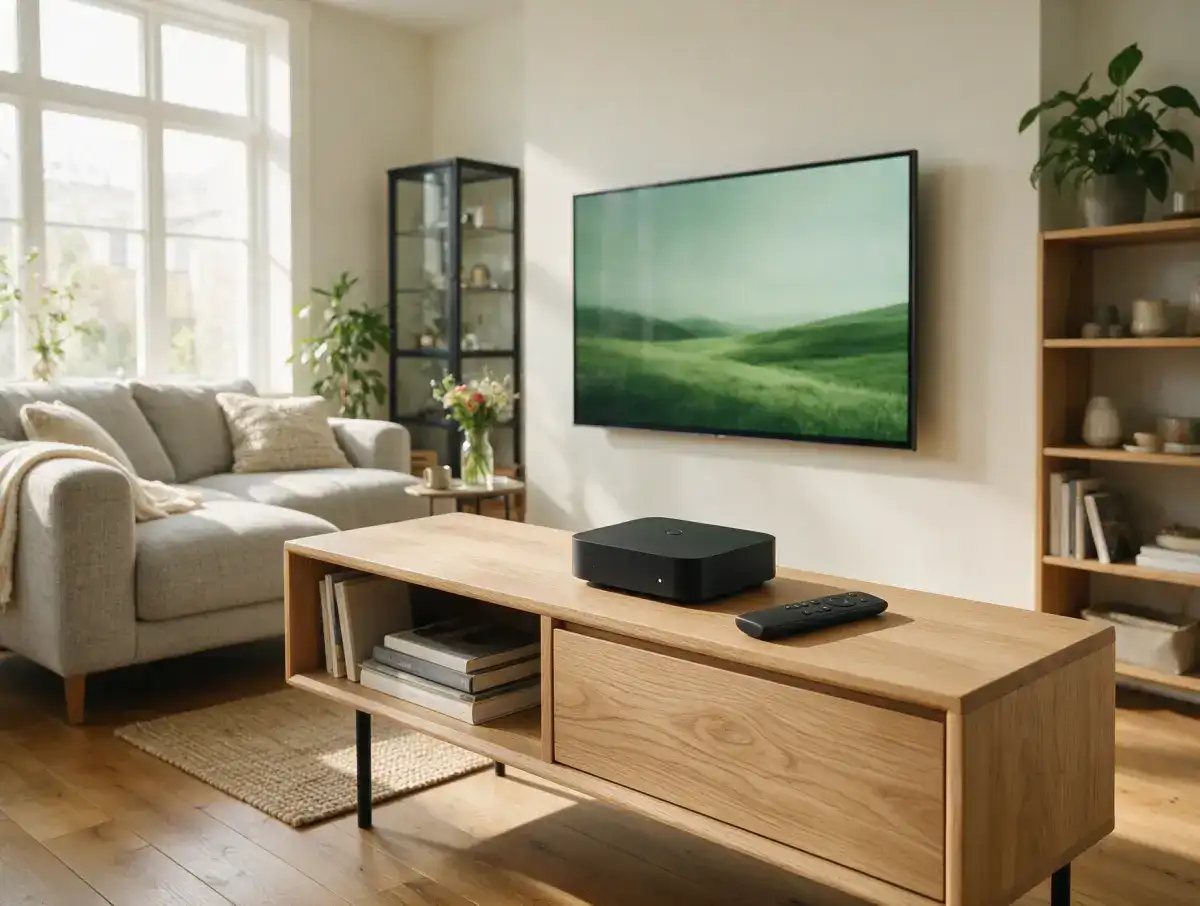
An IPTV box is a small device that you connect to your television via HDMI and that runs an IPTV app. You only need one if your TV can’t install a suitable app. For most people, an Android TV box or a streaming stick with at least 2 GB of RAM, Ethernet port and 4K/HEVC support is more than sufficient. Formuler and MAG are specialized boxes for those who value a fast, built-in IPTV experience.
Basic
What exactly is an IPTV box?
Before you buy something, it is useful to know what such a streaming box does and does not do.
A media player with an IPTV app
An IPTV box (or IPTV streaming box) is a compact media player that you connect to your TV with HDMI and connects to the internet via WiFi or Ethernet. The box runs an app such as TiviMate, IPTV Smarters Pro or IBO Player, in which you enter the login details for your subscription. You will then see your channels, films, series and TV guide.
The box itself does not supply a television. The subscription provides the stream, the box displays it. A box without a subscription is therefore just as empty as a TV without an antenna.
The difference with a smart TV
Many modern TVs from Samsung and LG can already have one IPTV app turn. Then a separate box is in principle unnecessary. Yet people still choose it: the app on the TV is slow or limited, or the TV does not support apps such as TiviMate. A recent box is also often faster than the processor in a TV that is a few years old, and you will notice this when zapping and in the TV guide.
What Canadas IPTV needs from your box
Canadas IPTV works with XtreamCodes (username, password and server URL) and with a M3U link. Any box that can run an app that supports either of those two will do. This applies to Android TV boxes, Formuler, Firestick, Apple TV and more. So you don’t have to buy a specific brand to use our subscription. View on the installation page how that works per device. For a MAG box follow the separate instructions MAG steps on the installation page.
Check first
Do you even need an IPTV box?
Many living rooms already have a device that can do the job. Go through this list before you go to an online store.
You probably don’t need a box if…
- You a Samsung or LG smart TV in recent years: apps such as Smart IPTV (SIPTV), Flix IPTV or IBO Player run directly on it (which apps are available differs per model).
- You already have one Firestick or Fire TV you have: you can install TiviMate or IPTV Smarters Pro in a few minutes.
- You a AppleTV or have a TV with Android TV / Google TV: they can also run IPTV apps.
- You especially on you phone, tablet or laptop looks. Windows, Mac, iPhone and Android are all supported.
Are you in doubt? First start the free 24 hour trial and test on the device you already have. If it turns out to be too slow or too limited, you know exactly why you are buying a box.
A box is a good idea if…
- Your TV does not have an app store or only supports very old apps.
- The IPTV app on your TV starts slowly, freezes or does not load the TV guide (EPG).
- You want to watch on a TV in the bedroom or holiday home without smart functions.
- You want to use an Ethernet cable and your TV only has WiFi.
- You like TiviMate want to use, which only runs on Android devices.
Step by step
Set up Canadas IPTV on your box in 3 steps
Whether you have an Android box, Formuler or streaming stick: the route is always the same. You set up a MAG box in your own way; There are separate steps for this on /installation/#mag-box.
- 01
Request your login details
Start with the free 24-hour trial via /free-trial/ or order a subscription by email on the site. After payment by bank transfer, you will receive your Xtream Codes details (username, password, server URL) and an M3U link by email.
- 02
Install or open an IPTV app
On an Android TV box or Firestick, install TiviMate, IPTV Smarters Pro or IBO Player from the app store. On a Formuler you open the included IPTV app. For a MAG box, follow the separate MAG steps at /installation/#mag-box. A step-by-step explanation for each device can be found at /installation/.
- 03
Enter your details and take a look
Choose Xtream Codes (or M3U) in the app and fill in the details from the email exactly. After loading you will see your channels, films, series and the TV guide. Does the image falter? Switch to an Ethernet cable or check out the tips at /blog/iptv-buffering-solve/.
Comparison
What types of IPTV boxes are there?
Roughly speaking, all streaming box fall into four categories. Each has its own distinct profile.
Android TV box: the all-rounder
An Android TV box (also called android box iptv) runs Android TV or Google TV. You install the app you want yourself: TiviMate, IPTV Smarters Pro, IBO Player or something else. In addition, your regular streaming services also run on it.
For whom: anyone who wants flexibility and wants to install an app once. Please note: choose real Android TV or Google TV, not a box with a phone version of Android. They often have bad remote controls and do not receive updates.
Streaming stick: compact and cheap
A Firestick or similar stick plugs directly into the HDMI port and is powered via USB. You can put the same apps on it as on an Android box. The disadvantage is less RAM, no Ethernet port (unless via an adapter) and sometimes a little more warm-up time when viewing for a long time.
For whom: a second TV, a holiday home or someone who wants to keep it simple.
Formuler: built for IPTV
Formuler boxes run Android, but come with its own IPTV app that loads immediately on startup. The remote control is tailored to TV viewing, with quick access to the TV guide and zapping.
For whom: people who want an experience that resembles a classic TV receiver and are willing to pay a little more for it. A Formuler works with Xtream Codes and M3U, including Canadas IPTV.
MAG box: the classic set-top box
A MAG box is a traditional IPTV receiver. No Android, no app store, but a permanent built-in system that you connect via a portal URL or M3U. The advantage is stability and simplicity: you turn it on and watch TV. The downside is that you can’t do anything else on the box and the interface feels a bit dated.
For whom: those who just want to watch television, for example parents or grandparents who do not feel like using apps. If you want to use a MAG box with Canadas IPTV, follow the separate instructions MAG steps on the installation page.
Specifications
What do you pay attention to when buying an IPTV box?
Specification lists are often a mess of numbers. These are the five things that really matter.
Operating system and updates
Always choose Android Android TV or Google TV, the version made for televisions. Also check whether the manufacturer still releases updates; a box that has remained stagnant on an old version will sooner or later have problems with new apps.
Working memory (RAM) and storage
For smooth zapping and a TV guide with thousands of items at least 2 GB RAM recommended, preferably 3 or 4 GB. Storage is less important: 8 GB is enough for a few apps. Some cheap devices advertise "8K" and "64 GB", but do not mention the RAM. That’s a bad sign.
Ethernet port and WiFi
One wired connection helps a lot against buffering. So choose a box with an Ethernet port (preferably gigabit) if you can lay the cable. If that doesn’t work, check whether the box supports dual-band WiFi (2.4 and 5 GHz). If it continues to fail, read our article about it solve buffering.
4K, HEVC and the remote control
If you want to watch 4K, you need a box HEVC (H.265) be able to decode using hardware; almost every recent chipset can do that, older budget boxes cannot. Don’t underestimate the remote control either: a Bluetooth remote with number keys makes zapping much more pleasant than infrared with just an arrow cross.
Warning
Red flags when buying an IPTV box
Online there are a lot of offers that sound too good. These are the signals that make you better click away.
"Includes lifetime subscription"
Servers, bandwidth and support cost money on an ongoing basis, and a one-time purchase doesn’t cover that forever. With a box "with lifelong IPTV" you do not know how long the service behind it will continue to work. If that service stops, you will have a box without channels and no one to call. Therefore, always buy hardware and subscription separately.
"Everything free, no subscription required"
A box cannot conjure channels out of thin air. If you are promised that you can watch everything without a subscription, a preloaded list runs that can stop at any time, without you knowing who is behind it or where your data is going. A transparent provider simply states its prices; see our pricing page.
Vague specifications and anonymous brands
- No RAM mentioned, called "8K Ultra HD" in large letters.
- Unknown brand name without website or support address.
- Outdated Android (phone version) sold as "latest".
- No right of return or only through a foreign seller.
A decent box does not have to be expensive, but it does have an accessible manufacturer and correct specifications.
Frequently asked questions
Frequently asked questions: IPTV box
Have another question? Contact our English-language support team and include the details of your device and setup.
Send a questionWhat is an IPTV box?
Which IPTV box is the best?
Can I watch IPTV without a box?
Which IPTV boxes are there in Canada?
Which IPTV box is best for 4K?
Is an Android box better than a MAG box for IPTV?
Do I have to buy an IPTV box with subscription?
Does my existing IPTV box work with Canadas IPTV?
Also read
Read more
Install per device
Step-by-step explanation for Android TV box, Firestick, Formuler, MAG and smart TV.
View page AppSet up TiviMate
A widely used IPTV app for Android boxes: installation, EPG and tips.
View page FreeTry for free for 24 hours
Test Canadas IPTV on your own box or TV, without payment and without renewal.
View pageTest on your own box first?
Request the free 24-hour trial by email and check if Canadas IPTV runs smoothly on the device you already have. No payment details, no automatic renewal. If you like it, you then choose a subscription: 15.99 CAD for 1 month, 69.99 CAD for 12 months or 99.99 CAD for 24 months, without contract and without automatic renewal.
No payment required · Try 24 hours
A PRACTICAL CHECKLIST
Check the connection and support
An HDMI connection alone does not say whether a box suits you. Check the operating system, available app store, manufacturer support, and remote control operation.
If you want to use a network cable, check whether the device has a connection for this or whether a supported adapter is required. Also check if there is room to update apps and if the player you want is officially available.
Don’t buy a box based solely on a pre-installed channel list. A media player and a subscription are separate things. Ask what exactly you are purchasing and what permission applies to the content offered.